
1D30.10 • 2D Pulley
Location: Cabinet 8
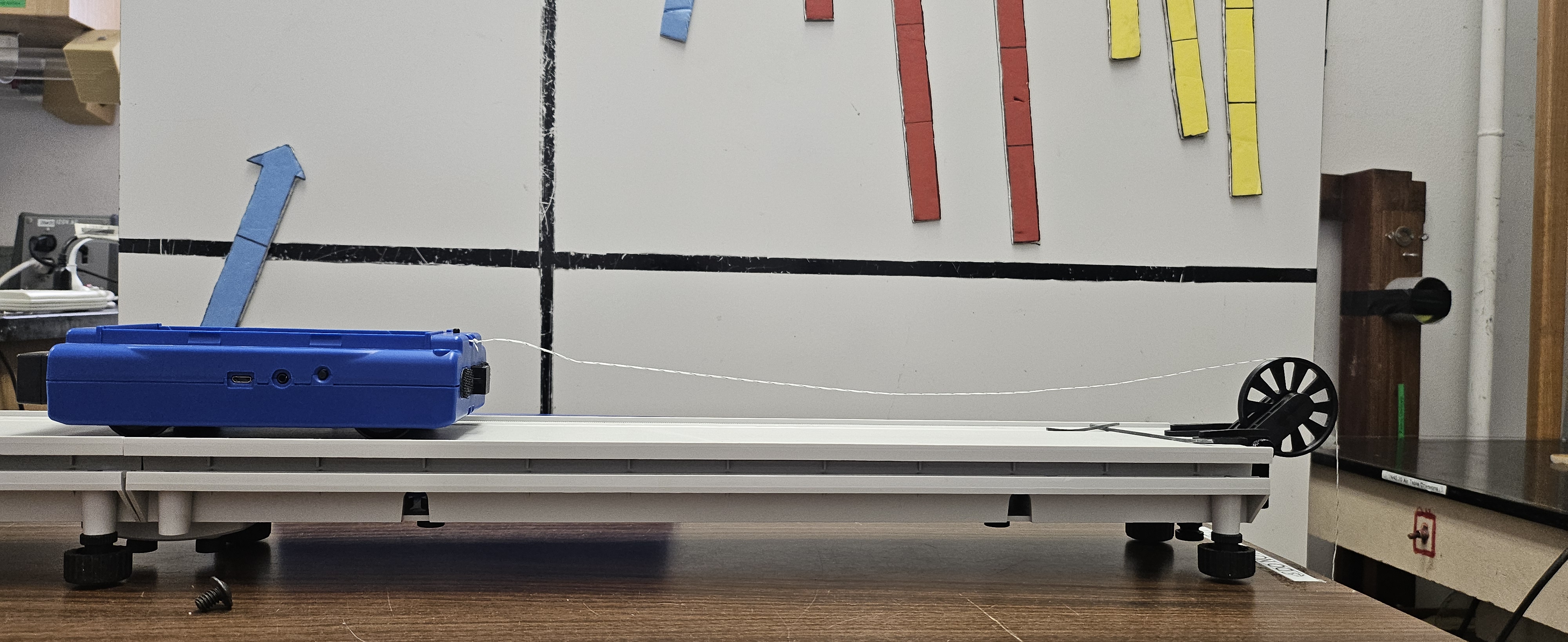
Photos show the demonstration used at the University of Texas at Austin

Mass holder at end of string (From PASCO Scientific Website)
Concepts Conveyed:
- 2D kinematics
- Mass effect on pulley systems
Instructions / Notes:
- Set up platform and make sure it is level
- Clamp on the pulley to one end of the track using pulley’s built in clamp
- Tie one end of the string to the cart and the other end to the mass holder - tie the string through the slit in the mass holde
- Adjust the cart so it is at the back of the track and place the string on the pulley
- Add different weights to mass holder and observe differences in speed of pulley
- Can also place weights on the cart itself
Demo Staff:
- Provide weights with demonstration
Upon request - Send information to PASCO software on laptop to see speed differences
- Open PASCO software on demo lab laptop and go to hardware set up tab
- Connect cart to laptop through bluetooth or micro-USB cable (NOTE: Cart needs to be charged and on in order to use bluetooth)
- Go to sensor data and click play
- Velocity information from cart will be visible - can also test with different modes in PASCO software but cart sensors are not the most accurate
Last updated on June 18, 2026